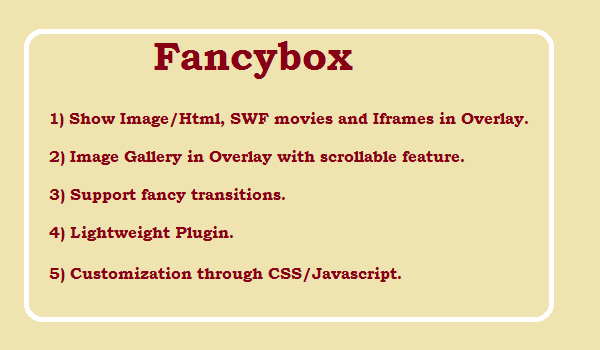
Is your need?
- Image in Popup
- Image Gallery in Popup
- Inline data in popup
- Ajax data in Popup
- Call callback function with popup
- Google Map in Popup
If above of anyone is your requirement, then this post is only for you.
Then solution is fancybox.net, it provide all the above features with jQuery.
Q What is Fancybox?
A fancyBox is a tool that offers a nice and elegant way to add zooming functionality for images, html content and multi-media on your webpages. It is built at the top of the popular JavaScript framework jQuery and is both easy to implement and a snap to customize.
Q. What Features it provide?
A. Following features it provide.
- Can display images, HTML elements, SWF movies, Iframes and also Ajax requests
- Customizable through settings and CSS
- Groups related items and adds navigation.
- If the mouse wheel plugin is included in the page then FancyBox will respond to mouse wheel events as well
- Support fancy transitions by using easing plugin
- Adds a nice drop shadow under the zoomed item


